
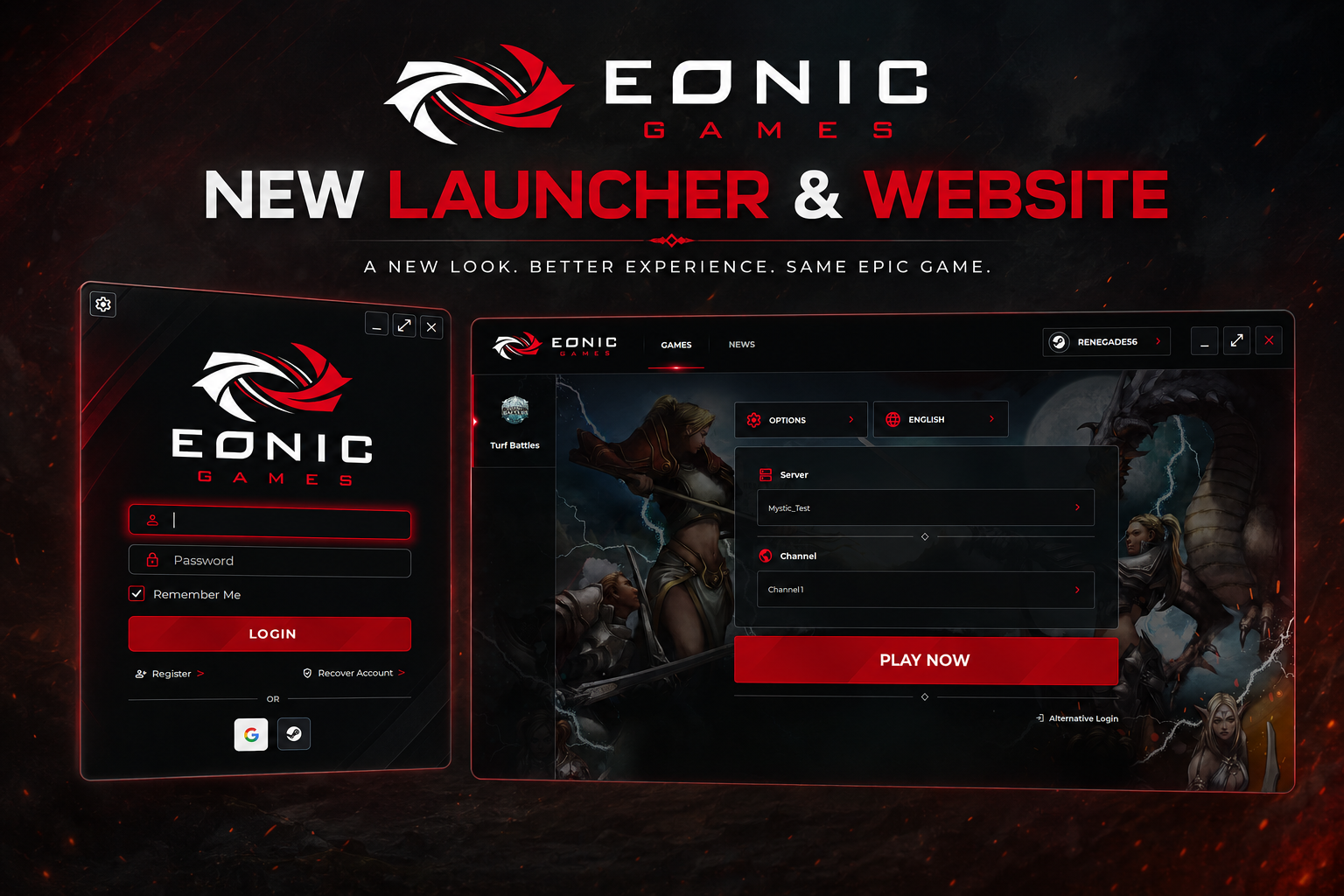
New Launcher & Turf Battles Website
We've launched a redesigned Turf Battles website and a new beta version of the Eonic Games Launcher, both featuring a variety of usability improvements and new functionality. During the beta period, the old launcher will remain available while players test the new one, with full Steam and Google login support becoming available at the start of the new season.
Turf Battles Website
The Turf Battles website has received a fresh new look, bringing it up to date with a more modern design, improved usability, and a variety of new features. In addition to the visual improvements, we've added several quality-of-life enhancements, including:
- News search and filtering.
- Item Mall search and filtering for a faster, more convenient shopping experience.
- Login/Logout page returns (going back to your previous page, if possible).
- Improved responsiveness across devices, including support for mobile phones and tablets.
- Steam and Google account registration/login support (these features have been implemented, but will remain disabled until the start of the new season).
- Numerous additional improvements and refinements throughout the website.
We had also hoped to give the Eonic Games website the same level of attention, but unfortunately we ran out of time. Those improvements will instead be completed throughout the upcoming season.
Eonic Games Launcher
We're also excited to announce the release of the new Eonic Games Launcher! The launcher is currently available in beta, so both the old and new launchers will remain available during this testing period. Once the new launcher officially leaves beta, the legacy launcher will be retired and will no longer function. We encourage everyone to download and try the new launcher while continuing to keep the old launcher installed as a backup during the transition.
A few important notes:
- The new launcher will only connect to the Test Server until the new season begins. Once the season starts, it will support all servers.
- The current launcher will continue to work on all servers throughout the beta period and will only be discontinued once the new launcher officially replaces it.
- When installing the game using the new launcher, we strongly recommend choosing a different installation folder than your current game installation. Installing both launchers into the same directory can cause version conflicts when switching between the old and new launchers or when connecting to different servers. Using separate installation folders will ensure both launchers continue to function correctly throughout the beta period.
- Steam and Google login options are visible in the new launcher, but they will not function until Steam and Google registration are enabled at the start of the new season.
- Users can download the new launcher from our downloads page, using either the primary "Beta" button (mega.nz) or the mirror "Beta" button (mediafire.com).
As always, if you have any questions, comments, concerns, or suggestions, please let us know through our Discord server or by submitting a Support Ticket. We look forward to hearing your feedback and continuing to improve both the launcher and the overall player experience.